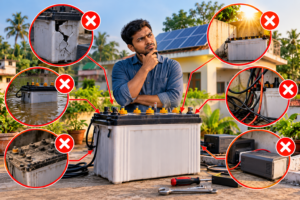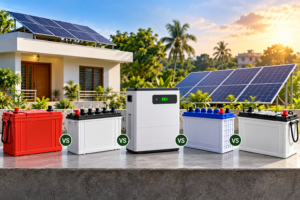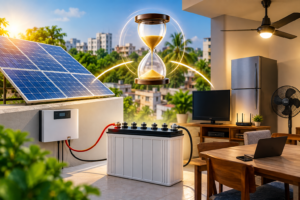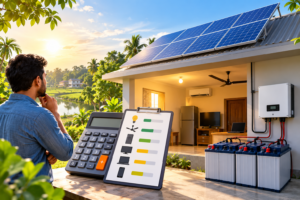
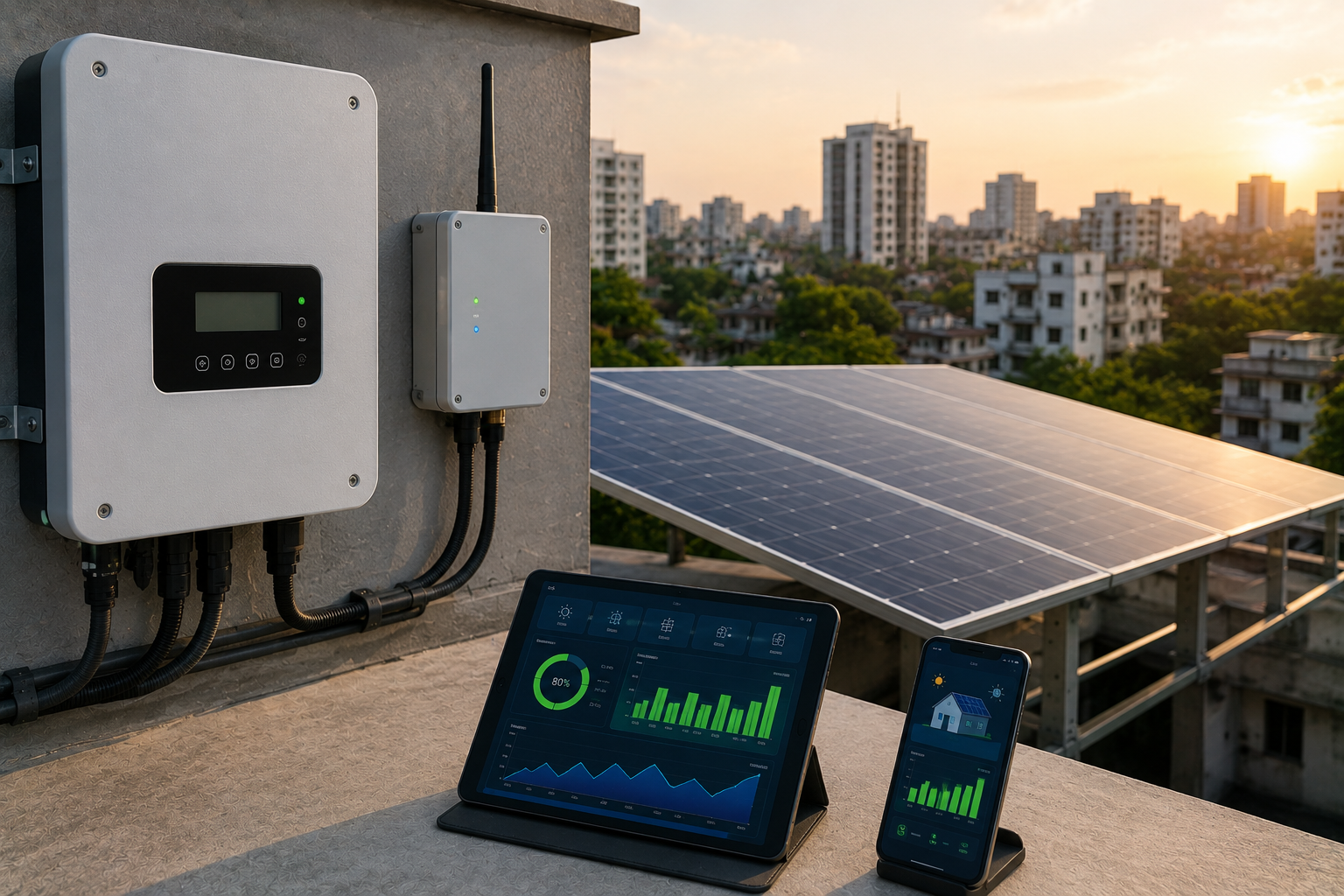
Most people who install solar don’t think about monitoring until something feels off. The bill doesn’t drop as much as expected, or a neighbour with a similar system claims theirs is producing more. That’s usually the first time anyone asks: how would I even know if my panels stopped working properly?
A solar monitoring system is the answer to that question. It’s the layer that sits between your panels and you, translating raw electricity into numbers you can actually check — production today, consumption patterns, whether something’s underperforming, and roughly how much you’re saving.
What a solar monitoring system actually does
At its core, a monitoring system tracks how much power your solar setup is generating and, depending on the setup, how much your home or facility is using at the same time. It usually pulls this data from your inverter (and sometimes a smart meter) and pushes it to a mobile app or web dashboard so you can check it without climbing onto the roof.
The useful part isn’t just watching numbers go up during the day. It’s catching the moment they don’t — a panel that’s underperforming because of shading, a string that’s dropped out entirely, or an inverter fault that would otherwise sit unnoticed for months, quietly costing you money.
What you can actually see on the dashboard
Depending on the platform, a typical view includes:
- Real-time power output (how many kilowatts you’re generating right now)
- Daily, monthly, and lifetime energy production
- Consumption alongside production, so you can see how much you’re using directly versus exporting
- Fault or performance alerts when output drops below expected levels
- Historical trends, useful for spotting slow degradation over months rather than a sudden fault
That last point matters more than people expect. A single day of low output usually just means clouds. A gradual downward trend over several months is what actually signals a problem worth investigating.
Module-level vs. string-level monitoring
Not all monitoring is the same granularity, and this is where cost and usefulness start to diverge.
| String/Inverter-level monitoring | Module-level monitoring | |
| What it tracks | Combined output of a group of panels | Each individual panel |
| Fault detection | Tells you something in the string is underperforming | Tells you exactly which panel |
| Typical cost | Lower — often built into the inverter | Higher — needs microinverters or power optimizers per panel |
| Best fit | Smaller residential systems, simple rooftops | Larger arrays, complex roof shapes, partial shading, commercial systems |
For a small home system with a handful of panels facing the same direction, string-level monitoring is usually enough — if output drops, you don’t have many panels to check anyway. For a bigger residential array with multiple roof sections, or any commercial installation where a single unnoticed underperforming panel can quietly cost real money over a year, module-level monitoring earns its extra cost.
Features worth paying attention to (and ones that are mostly marketing)
A few genuinely useful capabilities show up across most decent platforms:
- Weather correlation — the system compares your output against local weather data, so a low-production day gets flagged as “cloudy” rather than “problem,” saving you from chasing a fault that isn’t there.
- Customizable alerts — notifications when production drops below a threshold, rather than you having to check the app daily.
- Smart home integration — on more advanced setups, automatically shifting EV charging or appliance use to periods of high solar output.
Some platforms also advertise AI-driven predictive maintenance — forecasting issues before they happen. Treat this as a nice-to-have rather than something to base a purchase decision on. It’s a feature some manufacturers offer well and others market loosely; how well it actually works varies a lot by platform, and it’s not something you can verify from a spec sheet alone.
The Bangladesh connectivity question nobody else answers
This is the part most monitoring guides — written for markets with stable broadband everywhere — never address, and it’s genuinely relevant here.
Cloud-based monitoring depends on your system staying connected, usually over Wi-Fi or a SIM-based cellular connection. In areas with inconsistent broadband or mobile data, that connection isn’t always guaranteed. The practical question to ask an installer isn’t “does it have an app” — it’s what happens to your data when the connection drops. Better systems log data locally and sync once connectivity returns, so you’re not losing history, just seeing a delay. Cheaper or purely cloud-dependent setups may simply have gaps.
Load-shedding raises a similar, more specific question: whether the monitoring hardware itself stays powered and logging during an outage, or goes dark along with everything else. This varies by product, and it’s worth asking directly rather than assuming.
For grid-tied systems under net metering, there’s also a genuinely practical use for monitoring beyond fault detection: cross-checking your own production and export figures against what your utility’s bidirectional meter and bill show you. It won’t replace the official meter reading, but it gives you an independent number to compare it to.
What to check before choosing a system
- Compatibility — confirm the monitoring platform actually works with your inverter brand and model. Many manufacturer-specific systems don’t play well with third-party inverters.
- Local support — ask whether your installer can actually help troubleshoot the app later, or whether you’re on your own once it’s installed.
- Scalability — if you’re planning to add battery storage or an EV charger later, check the platform supports that rather than needing a replacement.
- Data ownership — whether you can export your own data, in case you switch installers or platforms down the line.
Is monitoring worth the extra cost?
There’s no universal answer, and any guide claiming otherwise is oversimplifying. As a general rule, monitoring adds a modest amount to your system cost, sometimes bundled into the inverter’s built-in features at no extra charge, sometimes as a paid add-on for module-level granularity — the actual figure depends heavily on system size, inverter brand, and installer, so it’s worth asking for it as a line item on your quote rather than assuming it’s included.
For a small residential system, basic string-level monitoring is often enough to catch the faults that actually matter, and it’s frequently included for free with the inverter. For a larger home system, a commercial rooftop, or an industrial installation, the case for paying extra for module-level monitoring gets stronger — the bigger the system, the more an unnoticed underperforming section costs you over time, and the more monitoring pays for itself in avoided losses.
Home vs. industrial monitoring needs
For a household, monitoring is mostly about peace of mind and catching problems before the electricity bill quietly tells you something’s wrong. A simple app-based dashboard checked once in a while is usually sufficient.
For a factory or commercial facility, monitoring is closer to a maintenance and uptime tool. Facility managers are typically thinking in terms of downtime cost, not just kWh — a fault that goes unnoticed for a week on a large industrial array represents a meaningful financial loss, not an inconvenience. This is also where monitoring tends to sit alongside a broader operations and maintenance plan rather than functioning as a standalone feature.
When you’re comparing quotes for a system of any size, it’s worth asking specifically how the monitoring is configured and who’s responsible for maintaining it — that’s a detail worth raising with whoever is quoting your installation, whether that’s Muspana or another provider.
FAQs
Do I need a monitoring system for solar panels?
It’s not strictly required for a system to function, but it’s the main way you’d catch an underperforming panel or inverter fault without physically inspecting the system. For larger installations, it becomes more of a practical necessity than a nice-to-have.
Can I monitor my solar panels without reliable internet or Wi-Fi?
Some systems log data locally and sync once a connection is available, which suits areas with inconsistent broadband or mobile data. Ask your installer specifically how the system behaves when connectivity drops, since this varies by platform.
How much does solar monitoring cost?
It varies by system size and inverter brand — basic monitoring is often included with the inverter at no extra cost, while module-level monitoring for larger systems typically adds to the price. Ask for it as a specific line item on your quote rather than assuming what’s included.
What’s the difference between module-level and string-level monitoring?
String-level monitoring tracks a group of panels together and is usually enough for smaller, simple rooftops. Module-level monitoring tracks each panel individually, which is more useful for larger arrays, shaded roofs, or commercial systems where pinpointing a single faulty panel matters.
Does solar monitoring work during load-shedding?
This depends on the specific hardware — some monitoring units keep logging locally during an outage and sync later, others lose data during the gap. It’s worth confirming directly with your installer rather than assuming.