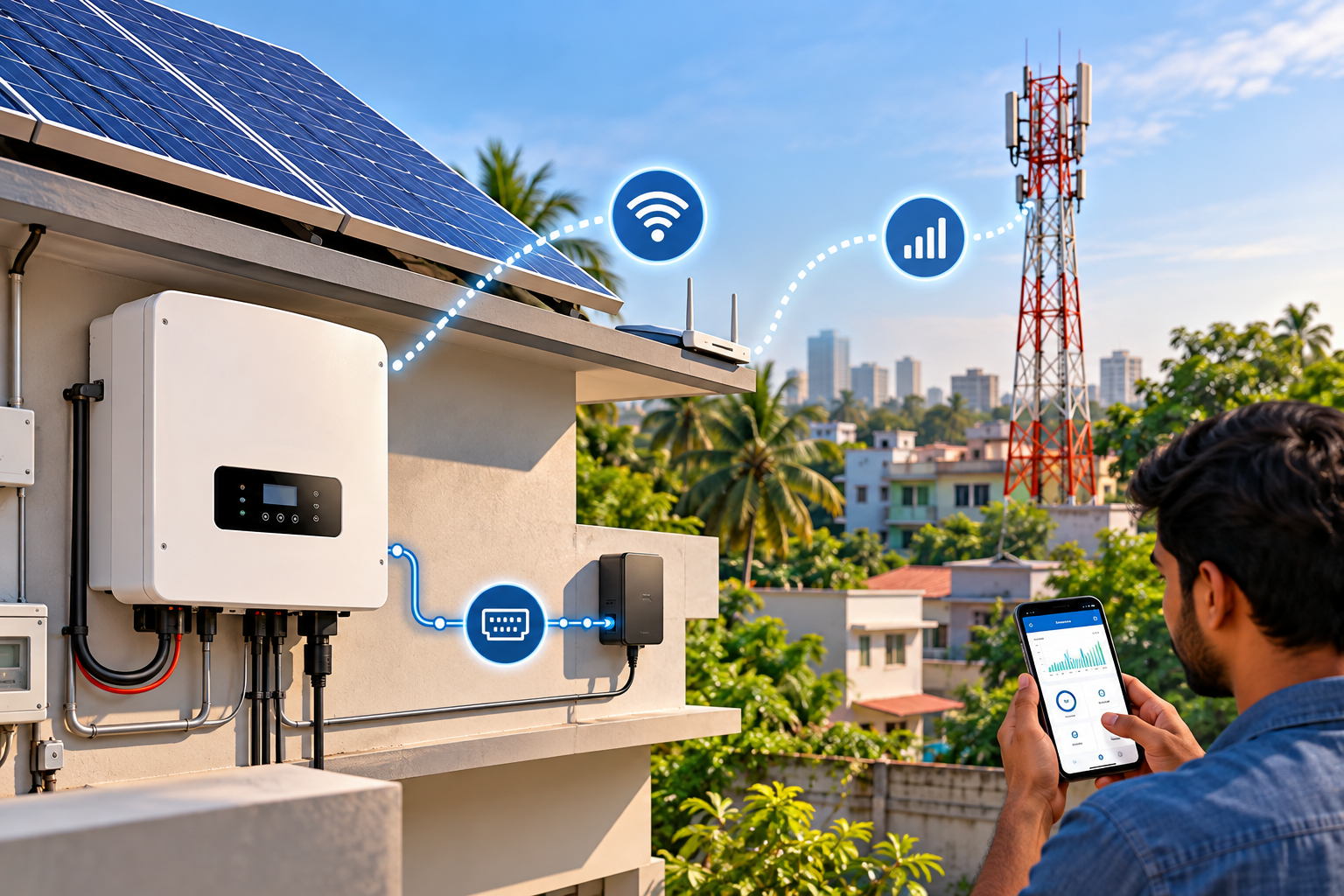
Your app says “offline.” Your inverter is probably fine.
If you’ve ever opened your solar monitoring app and seen a red “offline” badge staring back at you, you already know the feeling — a small jolt of panic, followed by “did something just break?”
In the vast majority of cases, nothing broke. What you’re looking at is a gap in the monitoring connection, not the working connection. Those are two completely different systems inside your inverter, and understanding the difference is the fastest way to stop worrying about the wrong thing.
The two layers every solar system runs on
Every grid-tied or hybrid solar inverter is quietly running two separate communication jobs at once.
The working layer is what actually keeps your system running — telling the battery when to charge, when to discharge, and how the inverter should behave from one second to the next. This layer almost always runs over RS485 (sometimes CAN bus, depending on the equipment).
The monitoring layer is purely for you — it pushes data to your phone or a web dashboard so you can see production, consumption, and battery status. This usually runs over Wi-Fi, and sometimes GSM (cellular).
Here’s the part that matters most: if the monitoring layer drops, your inverter doesn’t care. It keeps charging the battery, keeps managing power, keeps doing its job. You just can’t see it doing that job until the connection comes back. If the working layer drops, on the other hand, that’s a real problem — the inverter and battery lose the ability to talk to each other properly, and system behaviour can be affected.
So the honest, short answer to “does my solar system stop working if Wi-Fi disconnects?” is no — not as long as the RS485 (or CAN) link between the inverter and battery is still intact.
RS485: the wire that keeps everything talking
RS485 is a wired, industrial-grade communication standard, and it’s the one doing the heavy lifting inside most solar setups. It typically runs the Modbus RTU protocol, which is the language the inverter, battery management system (BMS), and sometimes a data logger use to exchange real-time instructions.
A few things worth knowing about RS485 in a solar context:
- It supports daisy-chaining — multiple batteries or devices can be linked along the same cable run rather than needing a separate connection back to the inverter for each one.
- It’s built for interference resistance, which matters in environments with other electrical equipment nearby (a factory floor, a rooftop full of cabling, a crowded electrical room).
- Cable-run distances are often quoted by manufacturers — for example, some brands specify limits around 1,000–1,200 metres. It’s worth being clear-eyed about this: that figure comes from specific manufacturer documentation for specific equipment, not from RS485 as a universal standard. The actual practical distance depends on baud rate, cable quality, and wiring — so treat any single number you see online as a starting point for checking your own equipment’s manual, not a fixed rule.
For a home system, RS485 wiring is short and usually invisible — it’s inside the inverter cabinet or running a metre or two to a wall-mounted battery. For a commercial or industrial installation with multiple battery racks or inverters daisy-chained together, getting the RS485 topology right during design is genuinely important, and it’s one of the things worth discussing directly with whoever is doing your solar system sizing and layout.
Wi-Fi: convenient, but not load-bearing
Wi-Fi modules are what let you check your solar production from your phone while you’re at work, or glance at a dashboard from your living room. Most inverters take a small Wi-Fi dongle or built-in module that plugs into the same communication port (or a dedicated one) and pushes local data up to the manufacturer’s cloud platform.
The practical reality in Bangladesh is that home broadband isn’t uniformly reliable everywhere — router restarts, ISP outages, and router placement relative to an outdoor inverter can all cause the Wi-Fi link to drop. When that happens:
- Your app shows stale or missing data.
- The inverter itself keeps operating normally.
- Nothing about battery charging or grid interaction is affected.
The one thing worth actually checking, rather than shrugging off, is whether the inverter’s own local display (if it has one) still shows normal readings. If the local display looks fine but the app is offline, that’s almost always a Wi-Fi or router issue — not an inverter fault.
GSM: the more realistic option for a lot of Bangladesh
This is where local conditions genuinely change the calculation, not just the wording.
A GSM (cellular) monitoring module uses a SIM card instead of your home or office Wi-Fi network to send data to the cloud. For a lot of installations — a rooftop system in an area with patchy broadband, a factory shed on the edge of an industrial zone, or an off-grid pump in a location where laying a fixed internet line was never realistic — mobile network coverage is often more consistently available than fixed broadband.
That makes GSM monitoring a genuinely practical choice in plenty of Bangladeshi installations, not just a fallback for the unlucky. If your site has spotty or non-existent broadband but reasonable mobile signal, ask specifically whether the inverter you’re buying supports a GSM/cellular monitoring module — some do, some don’t, and it’s a design decision worth making before installation, not after.
The trade-off is ongoing cost (a small data SIM subscription) and dependence on cellular signal strength at the exact inverter location, which can be weaker inside a metal enclosure or a shaded mounting spot than it is a few metres away in the open.
Comparison at a glance
| RS485 | Wi-Fi | GSM/Cellular | |
| Role | Working layer — controls battery & inverter behaviour | Monitoring layer — sends data to app/dashboard | Monitoring layer — sends data via mobile network |
| If it fails | Inverter/battery communication is genuinely affected | Nothing critical — you just lose visibility | Nothing critical — you just lose visibility |
| Connection type | Wired | Home/office Wi-Fi network | SIM-based mobile data |
| Best suited for | Every system — this is the core layer | Sites with stable broadband | Sites with weak/no broadband but decent mobile signal |
What load shedding actually does (and doesn’t do) to your system
A fair number of people worry that a grid outage or load-shedding event will knock out their monitoring and assume the whole system has gone down with it. Worth separating clearly: as long as your inverter and battery still have power (from the battery itself, or from solar generation during the day), the RS485 working layer keeps functioning independently of the grid. What might genuinely drop during an outage is your home router, if it isn’t on a backup supply — which takes your Wi-Fi monitoring down with it, but again, only the visibility, not the system’s actual operation.
Monsoon season and outdoor wiring
If any part of the RS485 wiring or a communication junction box sits outdoors or in a semi-exposed area — common with rooftop installations — humidity and monsoon moisture are legitimate things to ask your installer about. Proper cable glands, sealed connectors, and keeping junction boxes out of direct water exposure matter more in Bangladesh’s wet season than they would in a drier climate. It’s a small detail, but one that affects long-term reliability more than most people expect.
My monitoring shows offline — what should I actually check?
Before assuming the worst:
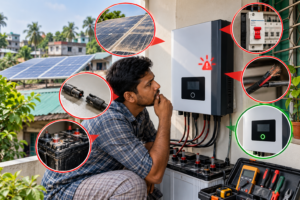
- Check the inverter’s local display, if it has one. If it shows normal production/battery figures, the inverter is working — this is a monitoring issue only.
- Check your router or mobile signal, depending on which connection type your monitoring uses. A simple restart resolves a large share of these cases.
- Check the app itself for a known outage — manufacturer cloud platforms occasionally have their own downtime, unrelated to your equipment.
- If the local display also looks wrong (no output during daylight, error codes, unusual readings), that’s a different situation — worth contacting your installer or maintenance provider rather than assuming it’s a connectivity blip.
Choosing the right setup for your site
For a straightforward home installation with decent home broadband, Wi-Fi monitoring is usually all you need — it’s simple, free of ongoing SIM costs, and sufficient for keeping an eye on daily production.
For a site where broadband is unreliable, or for industrial and commercial installations where someone genuinely needs to catch a fault quickly rather than notice it days later, it’s worth discussing GSM monitoring — or in larger commercial setups, more advanced options like SCADA-based monitoring or string-level monitoring — with your installer at the design stage. If you’re working with Muspana or evaluating quotes generally, this is a fair, specific question to ask upfront: what communication protocol does the working layer use, and does the proposed monitoring setup actually fit your site’s connectivity — rather than just being whatever the inverter ships with by default.
FAQs
Does my solar inverter stop working if Wi-Fi disconnects?
No. Wi-Fi only handles monitoring — sending data to your app. The inverter and battery keep operating through their RS485 (or CAN) connection regardless of Wi-Fi status.
What’s the difference between RS485 and Wi-Fi in a solar system?
RS485 is the working layer that controls battery charging and inverter operation. Wi-Fi is the monitoring layer that lets you view that activity remotely. One is essential to system function; the other is for visibility only.
Is GSM monitoring reliable in Bangladesh?
It can be a more consistent option than Wi-Fi in areas with patchy broadband, since it depends on mobile network coverage rather than a fixed internet connection. Actual reliability still depends on signal strength at your specific site.
How far can an RS485 cable run for a solar system?
It varies by manufacturer and setup — some brands document ranges around 1,000–1,200 metres for their specific equipment, but the practical limit depends on baud rate and cable quality. Check your inverter’s documentation rather than assuming a fixed number.
Why does my solar app show old or missing data?
This is almost always a monitoring-layer issue — a Wi-Fi drop, router restart, or a temporary outage on the manufacturer’s cloud platform — not a sign that your inverter has stopped working.
Can I add GSM monitoring to a system that only has Wi-Fi?
In many cases, yes, if the inverter supports a compatible cellular module — but confirm compatibility with your specific inverter model and installer before assuming it’s a simple add-on.